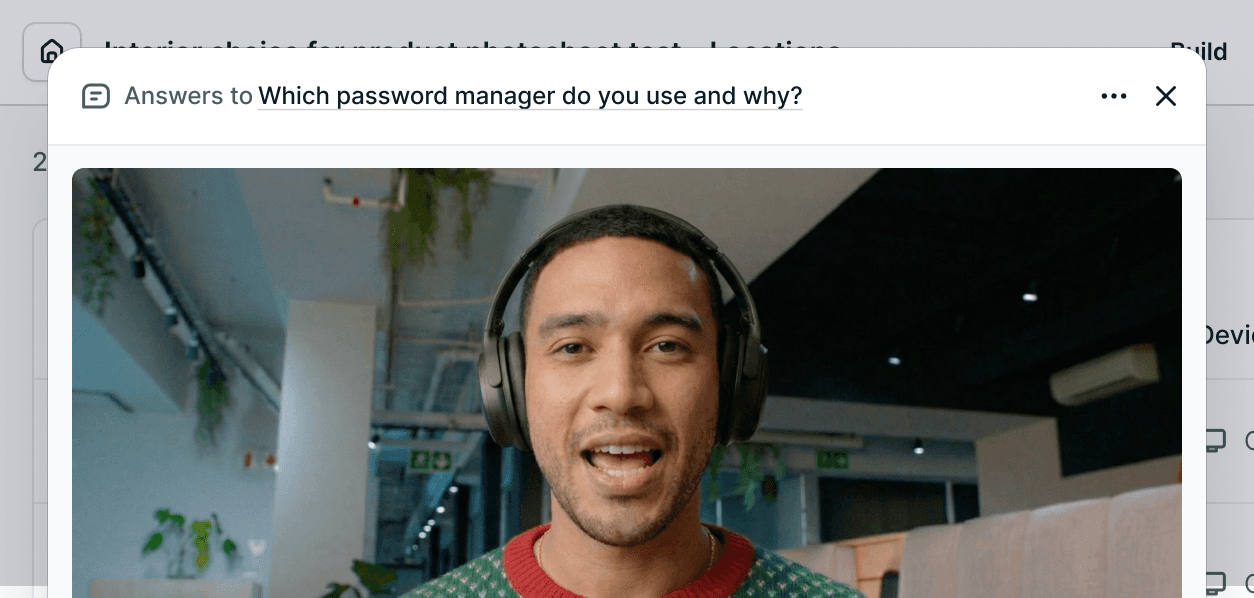
You can now instantly watch every video or audio response to a single question using answer playlists.
Instead of scrubbing through long recordings, each participant’s answer is automatically grouped into a single, continuous playlist—making it dramatically faster to review patterns, compare responses, and pull insights.
How it works
Open any study and go to the Summary tab
Find the question you want to review
Click View videos on the relevant summary block
That’s it - every response to that question, back-to-back.
New Feature