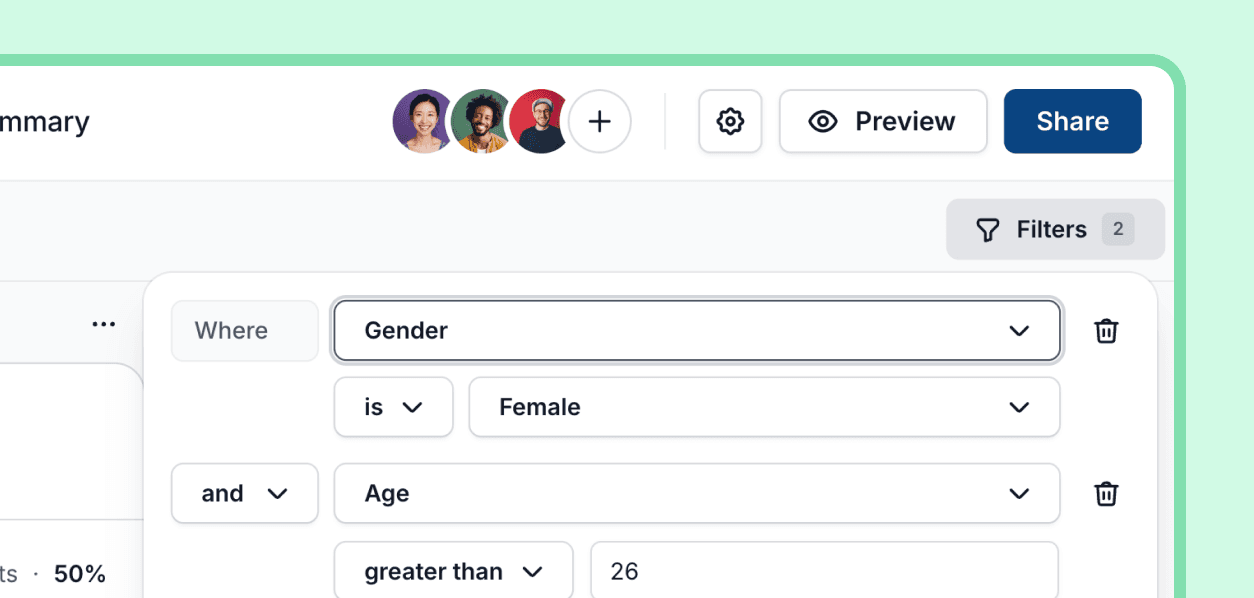
You can now filter both the Summary view data using the same filters available to the response view.
This lets you filter graphs and charts by demographics, answers, and other participant data in Ballpark.How to use it
Click Filters
Scroll to Demographic data under Recruit
Select one or more filters
Improvement