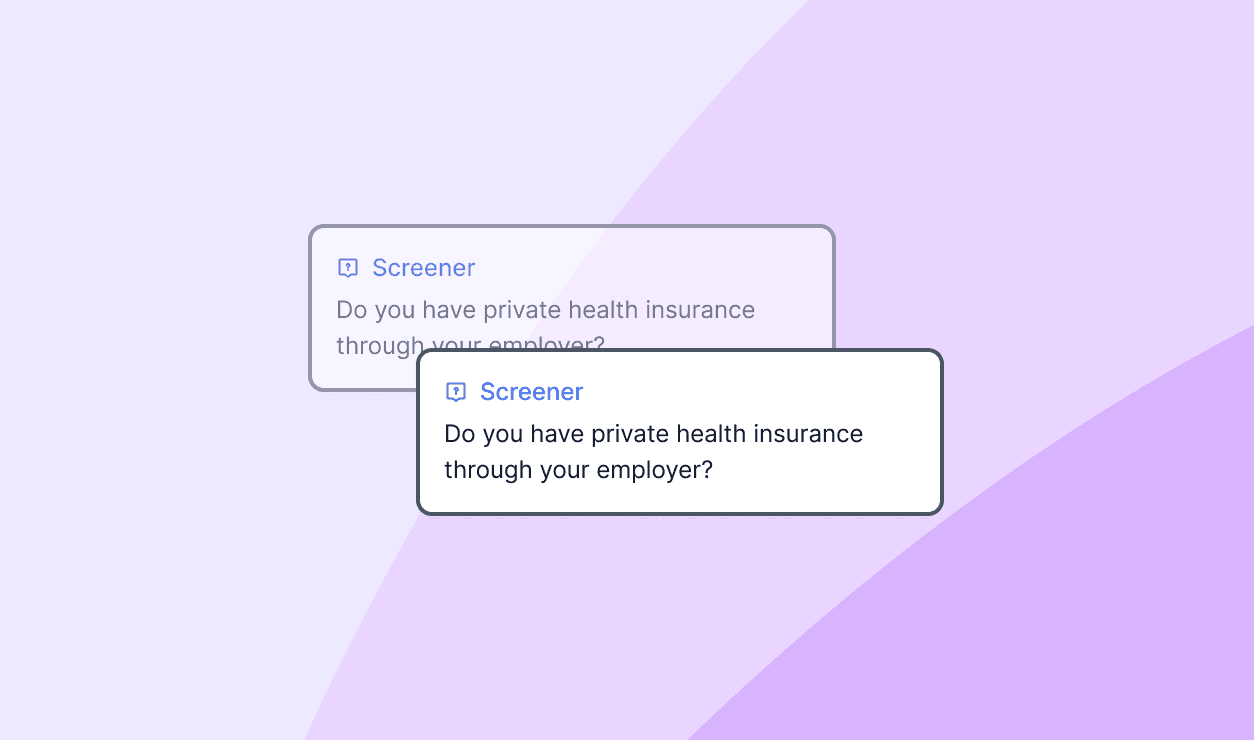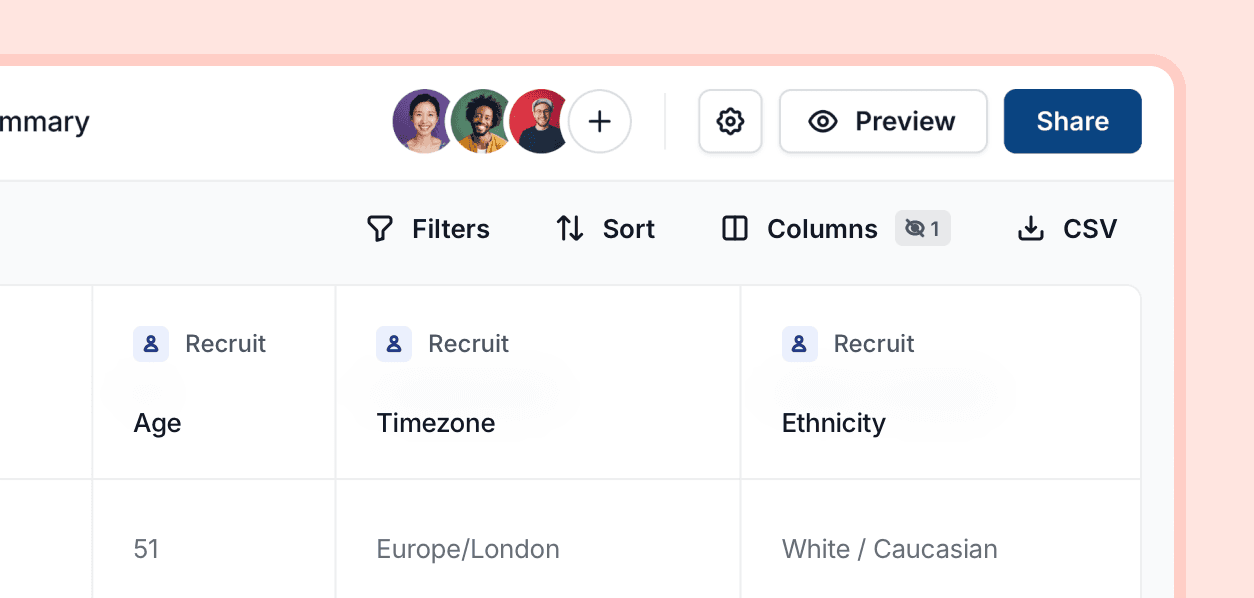
When recruiting participants, Ballpark now automatically pulls in key demographic data — so you no longer need to ask these questions in your study.
We currently capture the following information, with more on the way:
Age
Gender
Ethnicity
Country
Language
Timezone
How it works
• Toggle demographic columns on or off in the Responses table using Columns
• Filter both the Summary view and Responses table using demographic data
How to filter by demographics
1. Click Filters
2. Scroll to Demographic data under Recruit
3. Select your filters
Improvement