Introducing our most requested feature of the year: a new way to record how your customers use apps, websites and prototypes on iOS and Android.
Mobile browsers don’t support screen recording, which has made it difficult to see how customers actually navigate mobile experiences. That’s why we’ve built Ballpark for mobile.
Participants can now share their screen as they move freely between native apps, websites and prototypes, while Ballpark captures their experience and feedback.
Test your own app, competitors’ apps, live mobile websites or prototypes, all on participants’ own devices and without requiring them to create an account.
What’s included:
Native app testing — See how participants use any iOS or Android app, including your own and competitors’ apps.
Screen and camera recording — Capture participants’ screens and front-facing cameras throughout a study.
Website and prototype testing — Watch participants navigate live mobile sites and concepts built with tools like Figma Make, Replit and Lovable.
AI-powered analysis — Screen recordings are analysed, plus transcripts and feedback with Ballpark’s AI tools.
No participant sign-up — Participants can jump straight into a study without creating an account.
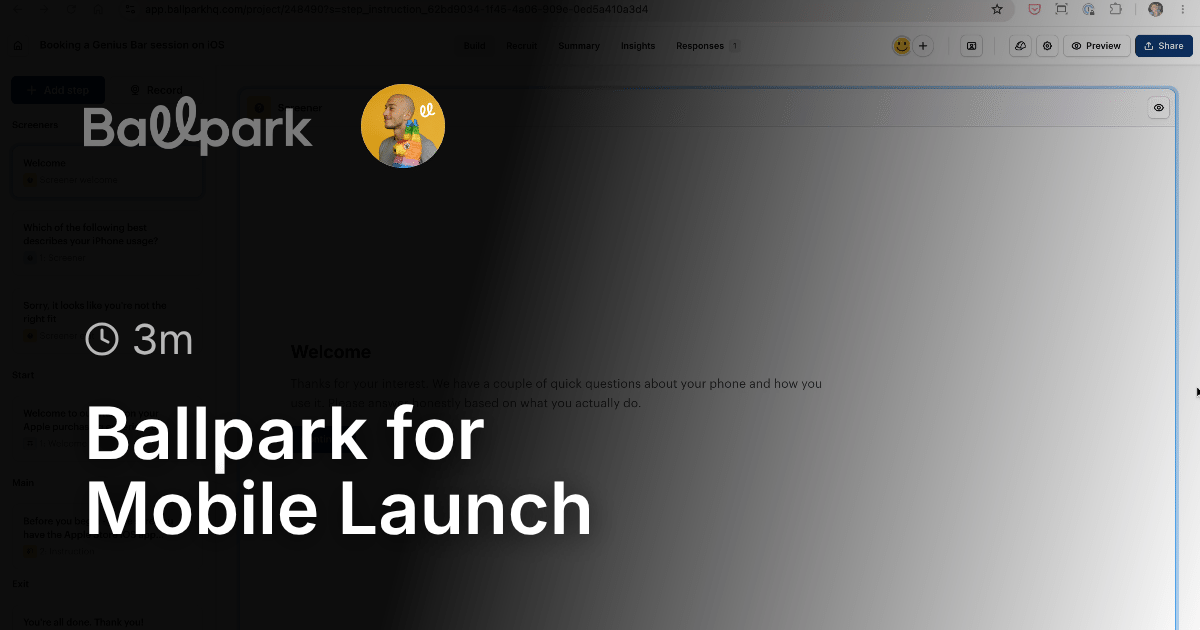
To get started, open any study and go to Build → Record → Screen recording → Collect mobile screen recording or watch the video below for more information.
New Feature